Your machines arecontacts you chat with.
Open a conversation with any server, laptop, or Pi. Group them into a fleet and message all of them at once. It is a messenger — the remote work happens underneath.
A machine is justa conversation.
Every machine running the agent shows up in your list like a contact. Tap it, type what you want, and it answers. No SSH session to babysit, no terminal to keep open.
The model
diagram · 16 / 10
contacts → machines → fleet → Jarvis; one diagram of the messenger metaphor.
A fleet isa group chat.
Drop several machines into a group and send one message. Each one replies in its own thread — patch them, check them, restart them, all from a single prompt.
Fleet group chat
screenshot · 16 / 10
one prompt to a group; each machine replies in its own thread.
Jarvis isthe fleet coordinator.
Jarvis is an always-on bot pinned to your fleet. Ask it a question and it asks the right machines for you, then summarizes the answer.
Jarvis is a managed, fleet-scoped feature on the hosted plan. Self-hosted relays run without it — every other piece on this page works the same either way.
Jarvis
screenshot · 16 / 10
pinned coordinator bot answering a fleet-wide question.
One command.No ports, no VPN.
Run the install one-liner on a machine and it dials out to the relay. Nothing listens for inbound connections — no port forwarding, no VPN, no DNS to wire up. It works behind NAT because the machine reaches out, not the other way around.
macOS & Linux · Windows uses PowerShell (iwr)
Teach your agentsnew tricks.
Skills are reusable instructions you install into your agents — a deploy routine, a log triage, a backup check. Browse the marketplace or write your own.
Skills
screenshot · 16 / 10
installing a skill into an agent conversation.
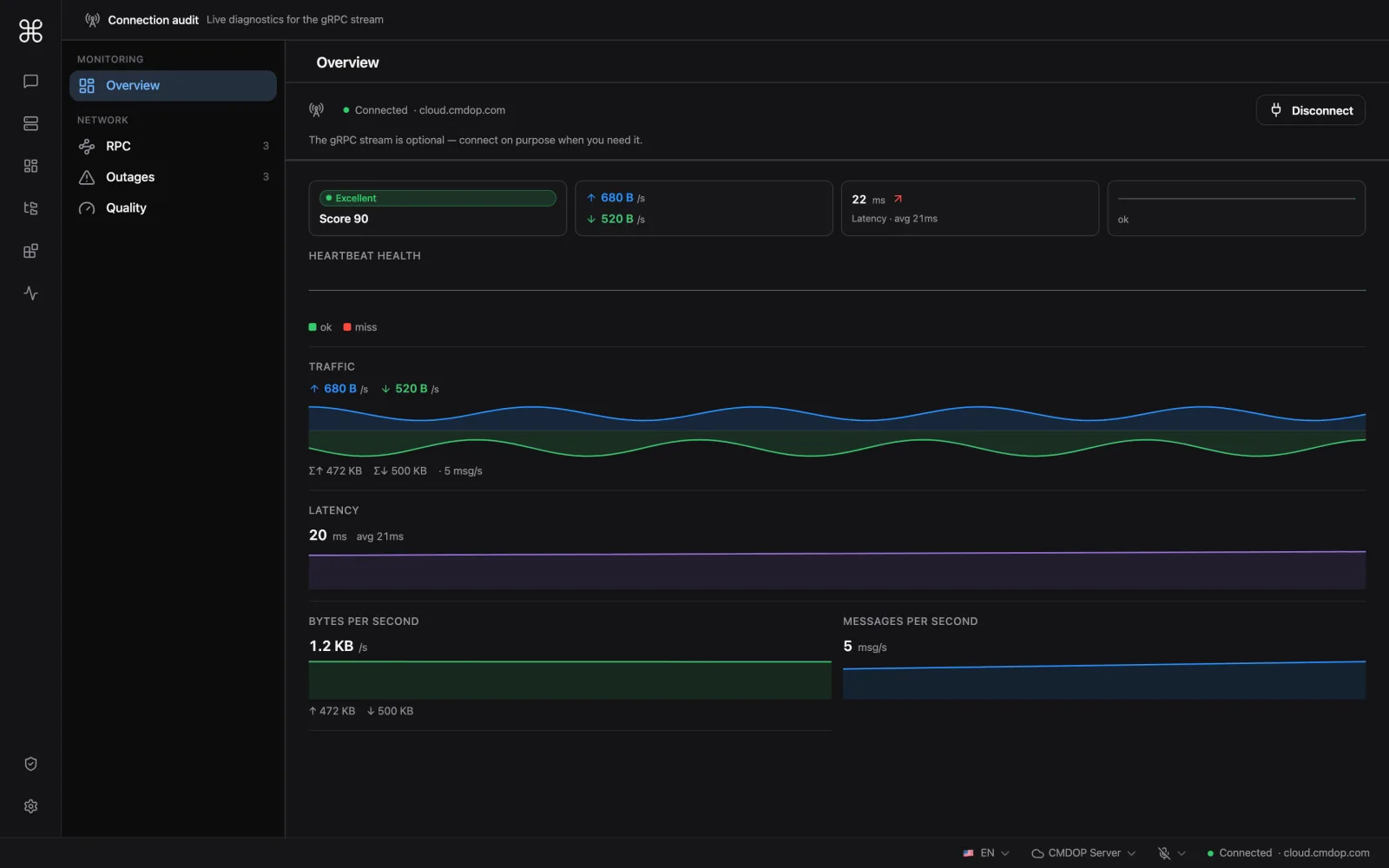
Under the hood, it is remote exec and monitoring.
The friendly chat sits on top of real machine control — running commands, editing files, streaming logs, watching health. The relay that routes it all is self-hostable, so you can run the whole thing on your own infrastructure.
- Outbound-only — machines dial the relay, nothing opens a port.
- You hold the keys — credentials stay on your machines.
- Self-hostable relay — run the coordination server yourself.