One product system
Start with one machine. Grow into a fleet.
cmdop connect — remote terminal with no open ports
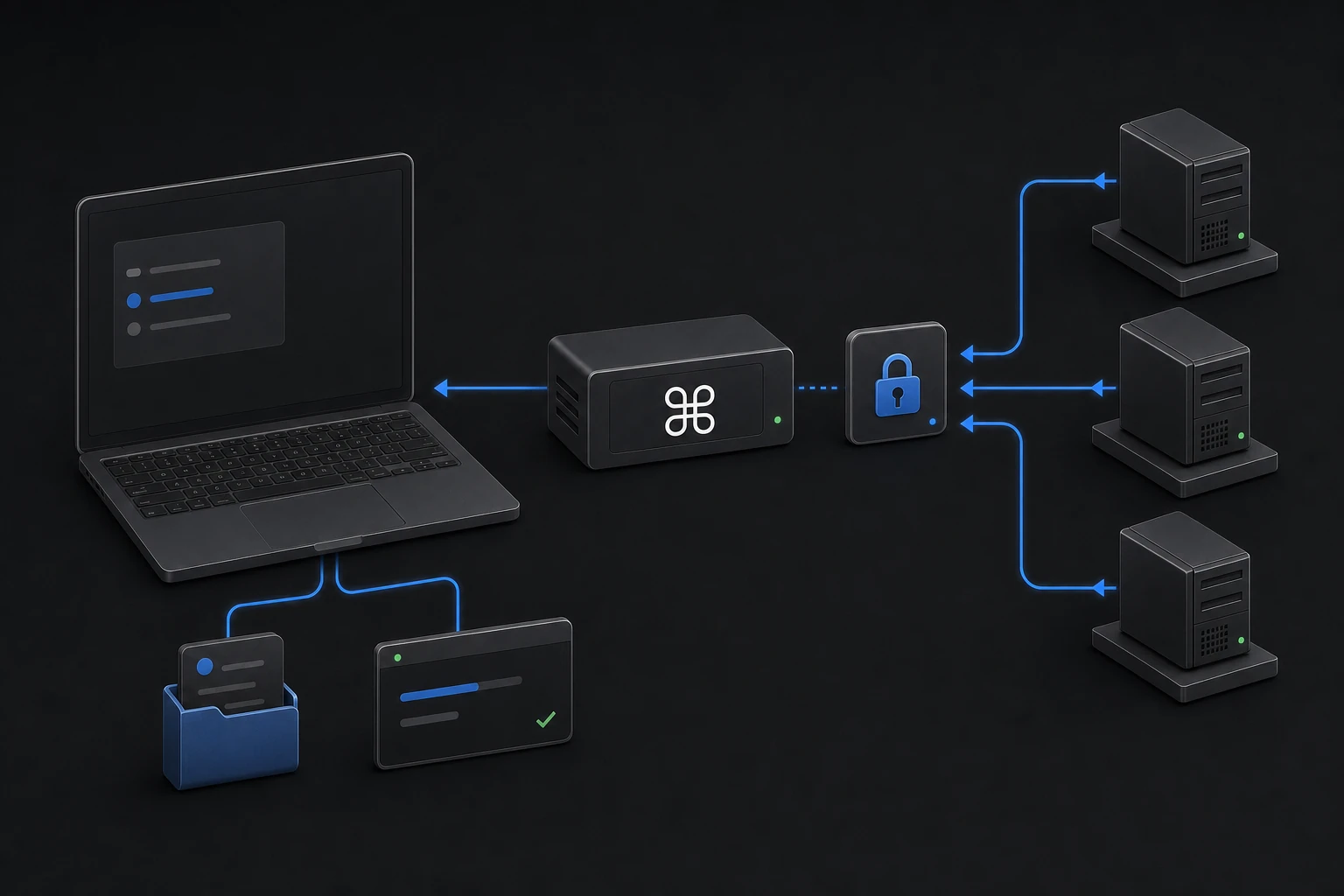
Use cmdop connect as a remote terminal for joined machines: run commands, move files, and let agents ask other agents over outbound-only access.
One binary. One line.
The CLI is built into cmdop — there is nothing separate to install. The command-line agent, the live terminal, and the SSH replacement all ship in the same binary.
Login, connect, chat.
Authenticate once, connect this machine to the relay, and you have a remote terminal you can reach from anywhere — CLI, Desktop, or another agent.
A terminal that livesinside the binary.
Real terminal, not a wrapper
Connecting happens through the cmdop binary like a living terminal — full PTY, real shell, real output. It is the agent runtime reaching the machine, not a shell-out to ssh.
Outbound-only, NAT-friendly
Use cmdop connect as a remote terminal for joined machines: run commands, move files, and let agents ask other agents over outbound-only access.
Remote exec, file ops, share links
Run commands, transfer and edit files, and mint a share link to a live terminal — all from the same connection, with a permission gate over what a remote agent may do.
Agents ask other agents
A connected agent can call ask_machine to delegate to another machine and stream the answer back. The fleet becomes one addressable surface.
Same connection from anywhere
CLI, Desktop, or an agent — they all reach the same connected machine. Open a terminal on your phone that an agent opened on a server.
The full command surface
Everything the live terminal does is one command away. The CLI uses the same cmdop agent as the browser console and tray surface — no GUI required.
Default (no subcommand) & AI chat
cmdopInteractive AI chat (TTY: Bubble Tea UI; same as cmdop chat)cmdop chatInteractive AI chat; --plain, --model, --tools, etc.
Authentication & connection
cmdop join <join-key>Join this machine to a fleet and start the agentcmdop logoutClear stored credentialscmdop connectConnect this machine to Cmdop (registers host, prints web terminal URL)
Background agent
cmdop agent startStart agent (--foreground for debug, --with-mcp, …)cmdop agent stopStop agentcmdop agent statusShow agent statuscmdop agent restartRestart agentcmdop agent logsTail agent logs (-n, -f, --raw)
Updates, observability, diagnostics
cmdop updateCheck / install updates (see update check, apply, schedule)cmdop monitorTUI: logs, metrics, agent healthcmdop logsDaemon logs (-f, -n, --open, --path)cmdop doctorDiagnose PATH, join, agent; optional --install-clicmdop setupCopy binary to user PATH (~/.local/bin); same idea as doctor --install-clicmdop versionPrint version, commit, build date
Skills, models, local tools
cmdop skills …list | show | install | create | check | …cmdop run <skill> …Run a skill from the registrycmdop modelsShow default LLM model for the active relaycmdop highlight <file>Syntax-highlight files (alias-friendly)
Automation & media
cmdop os …OS automation: list, focus, type, key, click, screenshot, …cmdop trigger …Scheduled agent triggers (list, add, remove, …)cmdop password …set | clear | status - protect SDK attachcmdop ffmpeg …install | status | probe | transcode - media helpers
SSH for AI ops, without the SSH.
No keys to distribute, no ports to open, no bastion to babysit. cmdop connect gives you the reach of SSH with an outbound-only relay, a permission gate, and agents that can act on your behalf.
Connect every machinethrough one binary.
Install the CLI and open your first remote terminal in under a minute.