For developers

Connect your machines.Use your own AI agent.

Register the Cmdop MCP server with Claude Code or Codex and drive your whole machine fleet in plain English — right inside a coding session. Same relay access, same permission gate, same audit log.

For developers

CMDOP for developers — CLI, SDK, and MCP

Connect machines into one reachable fleet and use them from Claude Code, Codex, MCP, the CLI, or your own code.

One binary is the backbone

The relay your fleet runs on — built into the same signed binary as the agent. Outbound-only, multi-tenant, isolated per customer.

01

Install

Install, connect, and chat from the terminal. Same agent, no GUI.

macOS & Linux
curl -fsSL install.cmdop.com | sh
02

Agents dial out.|**No inbound ports.**

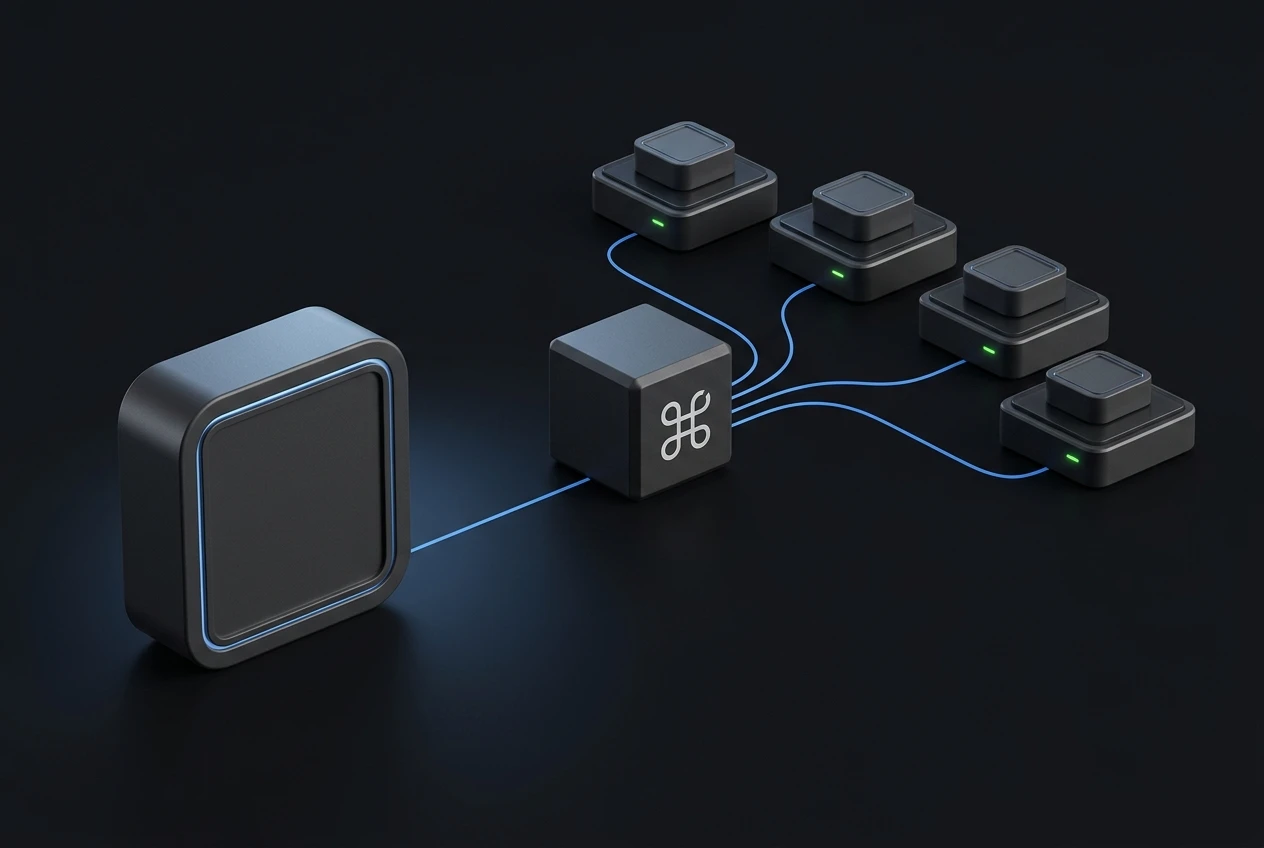
Your machines dial the relay. Nothing listens for inbound connections, so there are no open ports to scan or exploit and no firewall holes to punch.

03

Operate your whole fleet from your agent

Not just the local box — every machine on your relay. Ask in plain English; the agent calls the tools, inheriting CMDOP’s credential + PIN security model.

Built for your coding agent

Connect your coding agent.

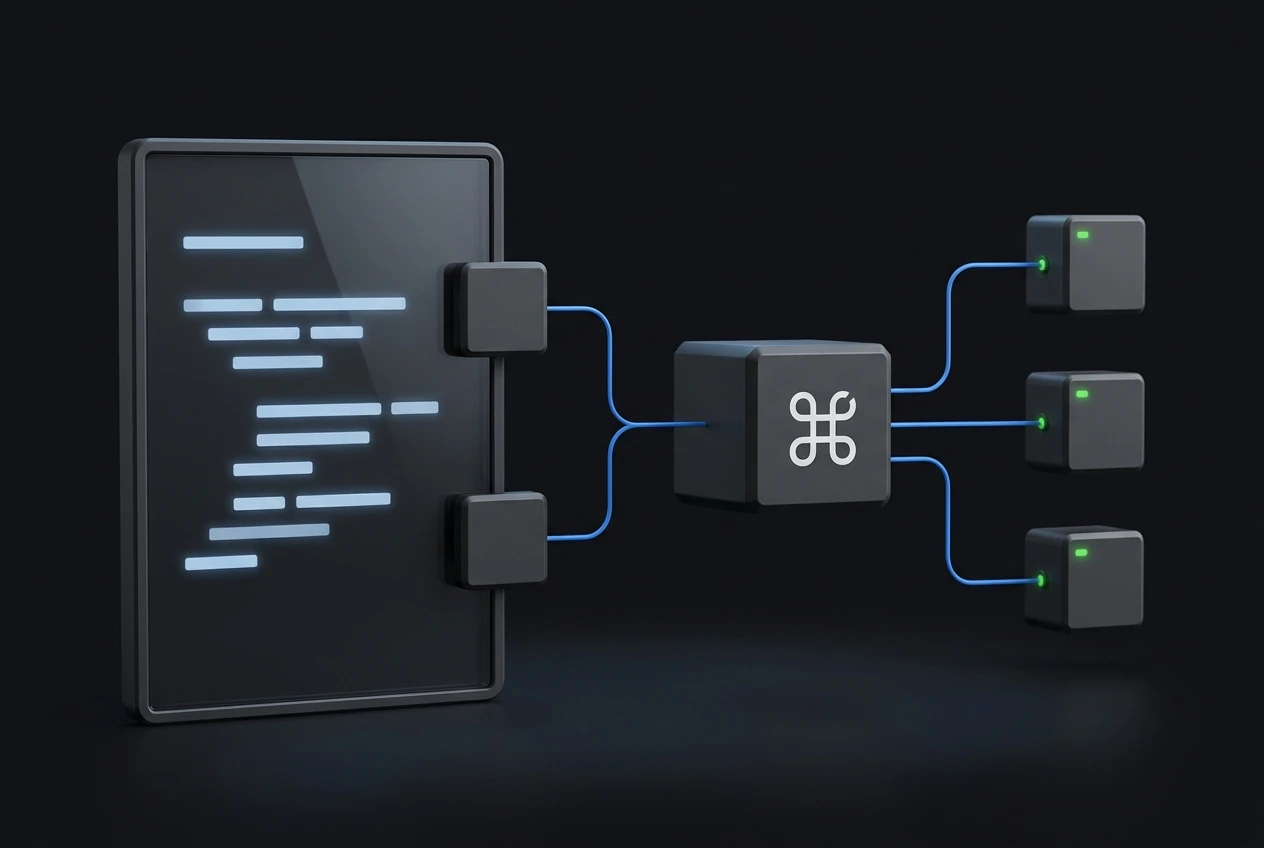
The cmdop-fleet MCP server connects Claude Code or Codex to your fleet. List machines, ask them questions, run commands, read files — all over CMDOP’s relay, in plain English.

Claude Code
cmdop mcp install --agent claude
Codex
cmdop mcp install --agent codex

Run `cmdop mcp install --agent codex` to register Cmdop in Codex. The same fleet tools and permission gate are available through its MCP configuration.

Connectivity

Agents dial out.No inbound ports.

Your machines dial the relay. Nothing listens for inbound connections, so there are no open ports to scan or exploit and no firewall holes to punch.

Multi-tenancy

Isolated|**per customer**

Every account gets its own relay domain, provisioned just for your fleet — TLS termination and routing that no other customer shares. Presence, audit and history stay within your fleet; nothing is routed across tenant boundaries.

Run the relay

Run the relay yourself

The relay is not a separate service to deploy — it is the same signed binary you install everywhere. Install cmdop, run `{command}`, and point your machines at it. One command brings up the relay, the web console and the coordinator together.

shell
cmdop server
Security

Honest aboutwhat we can and cannot see.

No marketing absolutes. Here is exactly how the connection works, who holds the keys, and what the relay does and does not have access to.

Outbound-only

Your machines dial the relay. Nothing listens for inbound connections, so there are no open ports to scan or exploit and no firewall holes to punch.

You hold the keys

Credentials and provider keys live on your machines and in your accounts, not baked into the agent. Revoke a machine and its access is gone.

Self-hostable relay

Every account gets an isolated relay domain, provisioned just for your fleet — TLS termination and routing that no other customer shares.

SDK

Drive machines, fleets, and skills from your own code. One Go core, thin typed clients for Python and Node.

CLI

Install, connect, and chat from the terminal. Same agent, no GUI.

SDK

Drive machines, fleets, and skills from your own code. One Go core, thin typed clients for Python and Node.

MCP

Expose your fleet to any MCP-aware assistant. Your agents become tools another model can call.

Built into the SDK

Turn any machineinto a chat bot

Telegram, Discord, Slack — powered by the same cmdop SDK core. One install, a few lines, and every message reaches your machines through machines.ask.

Bring your fleet into your coding agent

No new account: the MCP server uses this machine’s existing Cmdop relay access and permission rules.