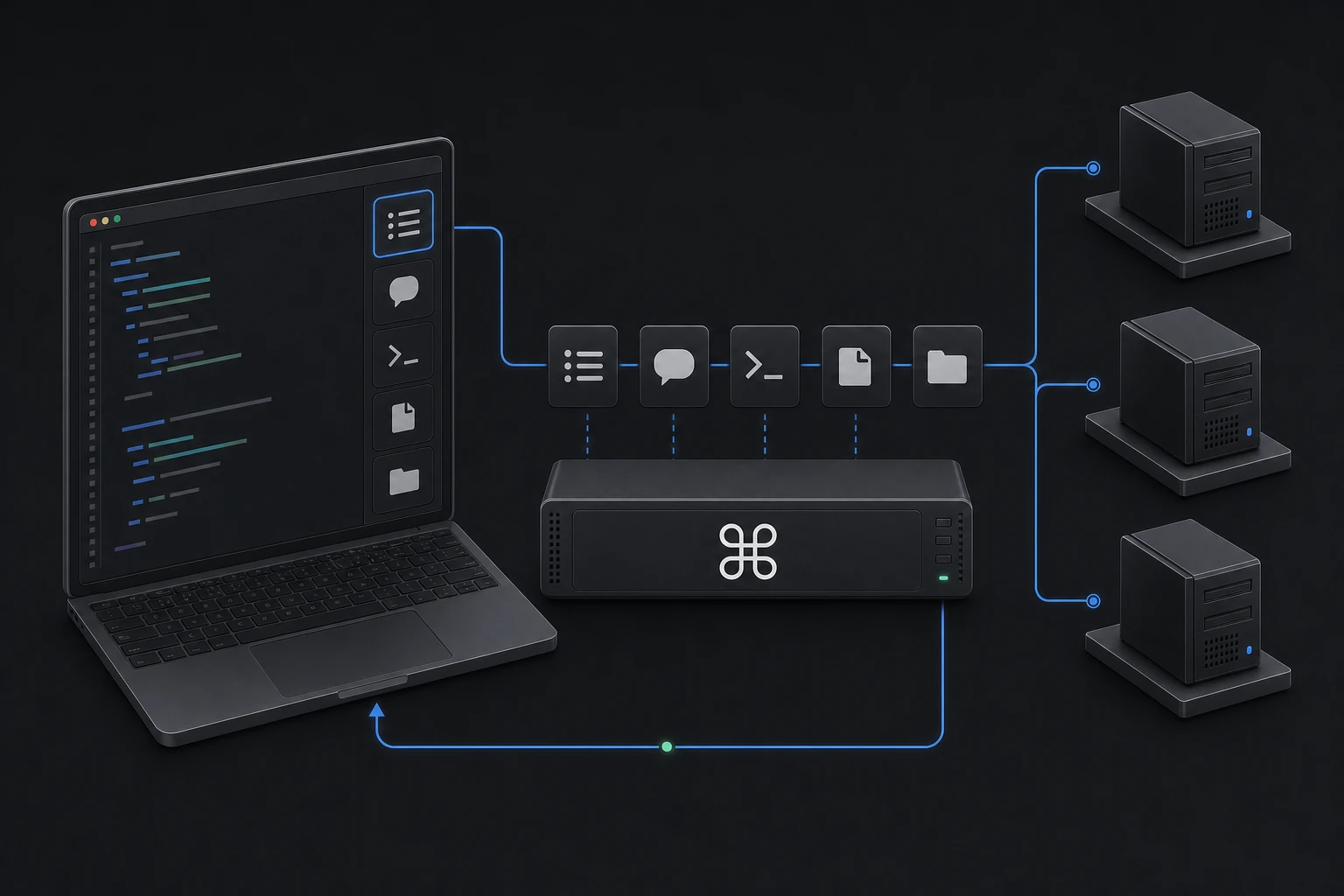
list_machines“What machines do I have online?”
One product system
Start with one machine. Grow into a fleet.
Register the Cmdop MCP server with Claude Code or Codex so an AI coding agent can list machines, run commands, and read files safely.
Install the CMDOP CLI, join this machine to a fleet, then register the fleet MCP server with your assistant.
Run `cmdop mcp install --agent claude` to register Cmdop with Claude Code. Start a new assistant session after registration.
Not just the local box — every machine on your relay. Ask in plain English; the agent calls the tools, inheriting CMDOP’s credential + PIN security model.
Run `cmdop mcp install --agent codex` to register Cmdop in Codex. The same fleet tools and permission gate are available through its MCP configuration.
Five fleet tools surface as mcp__cmdop__* — each driven in plain English.
list_machines“What machines do I have online?”
ask_machine“Ask web-01 to summarize its recent error logs.”
run_command“Run df -h on the build box and flag anything over 90%.”
read_file“Read /etc/nginx/nginx.conf on edge-sfo.”
list_dir“List /var/log on db-primary.”
No new account: the MCP server uses this machine’s existing Cmdop relay access and permission rules.